

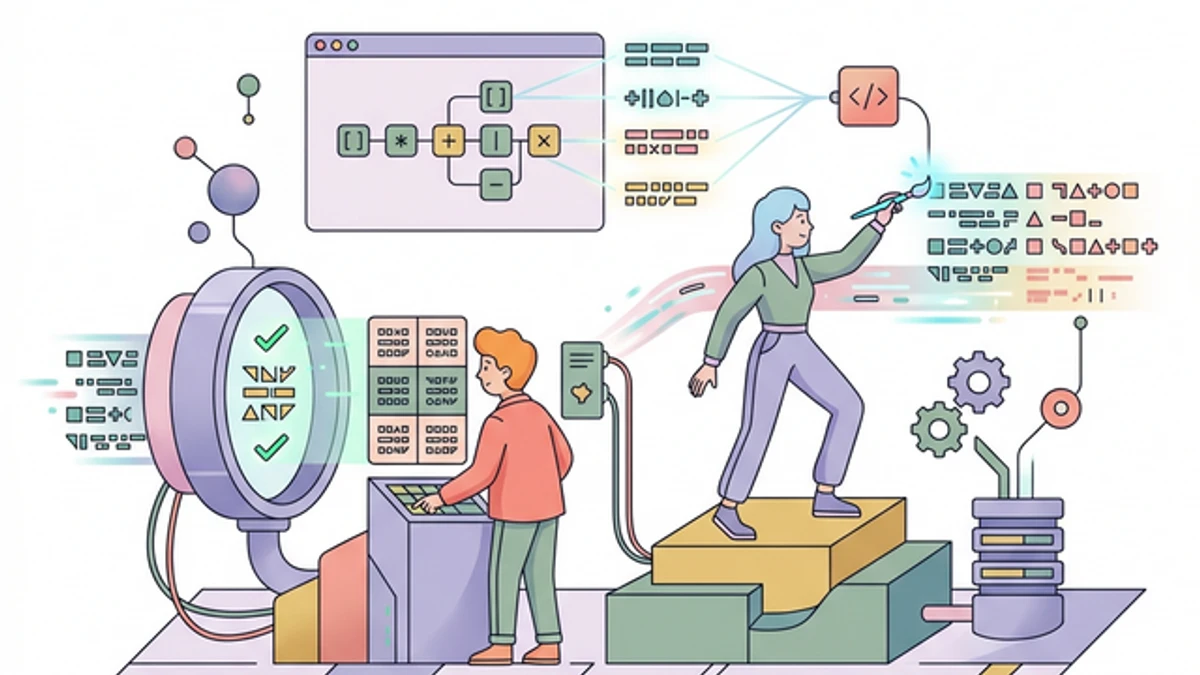
Regular Expressions (Regex) frequently inspire genuine dread in junior programmers. The dense, cryptographic syntax looks less like a programming language and more like a cat walked across the keyboard.
However, mastering Regex provides developers with an unparalleled superpower. Whether you're sanitizing messy database exports, structurally validating massive complex user registrations, or scraping structured DOM elements from a competitor's website, Regex allows you to condense hundreds of lines of brittle if/else logic into a single, aggressively efficient string.
In 2026, standardizing robust validation matters more than ever to defend your API against injection attacks. Here are the definitive Regex patterns you must absolutely memorize.
1. The Bulletproof Email Validator
Validating parsed emails is notoriously complex (technically requiring adherence to the massive recursive RFC 5322 specification). However, practically speaking, 99.9% of web applications just need to guarantee a standard format: username@domain.tld, while catching the most common user typos.
Relying exclusively on the HTML5 <input type="email"> is highly insufficient for backend safety.
The Standard Pattern:
^[a-zA-Z0-9._%+-]+@[a-zA-Z0-9.-]+\.[a-zA-Z]{2,}$
Deciphering the Logic:
^&$- These are critical anchors forcing the regex engine to validate the entire parsed string from start to finish, preventing malicious users from explicitly appending valid emails onto the end of SQL injection scripts (e.g.,DROP TABLE Users; admin@example.com).[a-zA-Z0-9._%+-]+- Allows alphanumeric strings alongside periods, underscores, and plus signs (crucial for Gmail aliases likename+spam@gmail.com).@- Mandates exactly one 'At' symbol.[a-zA-Z0-9.-]+- The routing domain name (e.g.,gmailorcompany-co).\.[a-zA-Z]{2,}- The Top Level Domain (TLD). It mandates a literal period.followed dynamically by at least 2 alphabetical characters (handling modern TLDs like.io,.com, or.engineering).
Pro Tip: Never use Regex alone for email delivery guarantees. To prove it actually exists, always dispatch a localized verification email containing an active cryptographically secure UUID Generator token link.
2. Strong Password Complexity Policy
Enforcing elite security standards on your user registrations protects your entire backend infrastructure. A robust password physically requires high entropy: a mix of cases, numbers, and structural symbols.
Instead of writing 4 separate explicit loop algorithms to painfully verify if a string contains these elements, utilize Regex Lookaheads.
The Standard Pattern:
^(?=.*[A-Z])(?=.*[a-z])(?=.*\d)(?=.*[@$!%*?&])[A-Za-z\d@$!%*?&]{12,}$
Deciphering the Logic:
(?=.*[A-Z])- A "Positive Lookahead" that silently scans the entire parsed string ensuring at least one uppercase letter fundamentally exists anywhere.(?=.*[a-z])- Ensures at least one lowercase letter exists.(?=.*\d)- Ensures at least one numerical digit (0-9) exists explicitly.(?=.*[@$!%*?&])- Mandates at least one designated special symbolic character.{12,}- Forces the total combined length to strictly be 12 characters or vastly longer (a modern web security baseline recommendation).
You can actively test how unbreakable these passwords are by using our Secure Password Generator to dynamically build payloads that pass this exact regex.
3. Extracting Bearer Tokens from HTTP Headers
When architecting middleware servers (like an Express.js or Go Fiber proxy router), you continually need to aggressively parse out the authentication payload dynamically attached to an incoming Authorization header.
The header definitively arrives looking like: Bearer eyJhbGci...
The Standard Pattern:
^Bearer\s+([A-Za-z0-9\-\._~\+\/]+=*)$
Deciphering the Logic:
^Bearer\s+- Precisely mandates the string explicitly begins with the literal word "Bearer" violently followed by one or more whitespace characters.(...)- Creating a "Capture Group". The regex engine will exclusively store whatever falls physically inside these parentheses directly into memory for you to instantly extract into a variable.[A-Za-z0-9\-\._~\+\/]+- Safely captures the sprawling character combinations historically inherent to JSON Web Tokens (JWT) or random securely generated API keys.=*- Tolerates standard Base64 padding equals signs dynamically attached to the very end of specific tokens.
4. Matching and Extracting URLs Safely
In modern chat applications or comment sections, converting massive blocks of raw unstructured text into clickable HTML dynamically requires a regex that flawlessly isolates generic URLs while deliberately ignoring neighboring text logic or structural punctuation.
The Standard Pattern:
https?:\/\/(www\.)?[-a-zA-Z0-9@:%._\+~#=]{1,256}\.[a-zA-Z0-9()]{1,6}\b([-a-zA-Z0-9()@:%_\+.~#?&//=]*)
Deciphering the Logic:
https?- Matcheshttpnatively, while the?dynamically renders the exactscompletely optional (accommodating legacy localized servers alongside explicit TLS/SSL infrastructure).\b- The monumental "Word Boundary". This mechanically ensures your algorithm immediately stops capturing the exact moment the parsed URL structurally ends, preventing trailing paragraphs from accidentally bleeding into the absolute hyperlink
Conclusion: Regex is a Visual Sandbox
Never deploy a dense complex Regex payload into your core production architecture blindly. You will inevitably accidentally introduce a catastrophic ReDoS (Regular Expression Denial of Service) vulnerability if a malicious user discovers your engine infinitely evaluating a recursive captured string loop.
You must meticulously sandbox and benchmark your strings against hundreds of varying edge cases. Open our dedicated interactive Regex Tester to visually highlight individual structural Capture Groups, rapidly dissect algorithmic logic, and aggressively benchmark execution speed immediately.